
Unlock Protected PDF Files Securely Without Cloud Uploads.
PDF Unlocker Pro is a fully safe & secure offline desktop application that helps you unlock unlimited password protected PDF files on your PC without risks of uploading your confidential files to cloud online
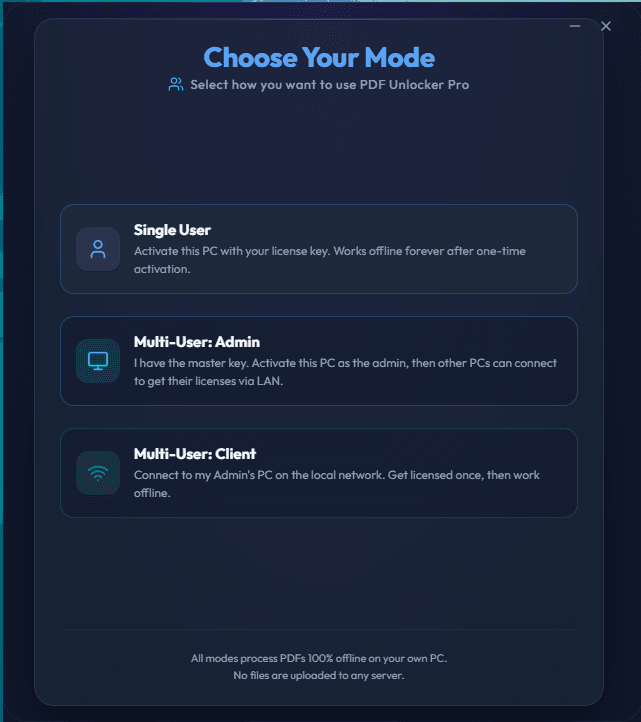
Product preview : Desktop app screens
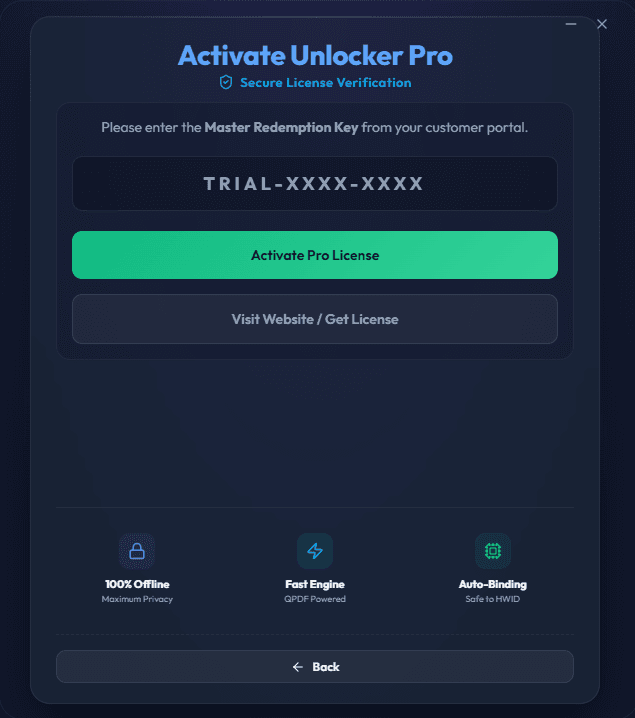
Screenshot 2
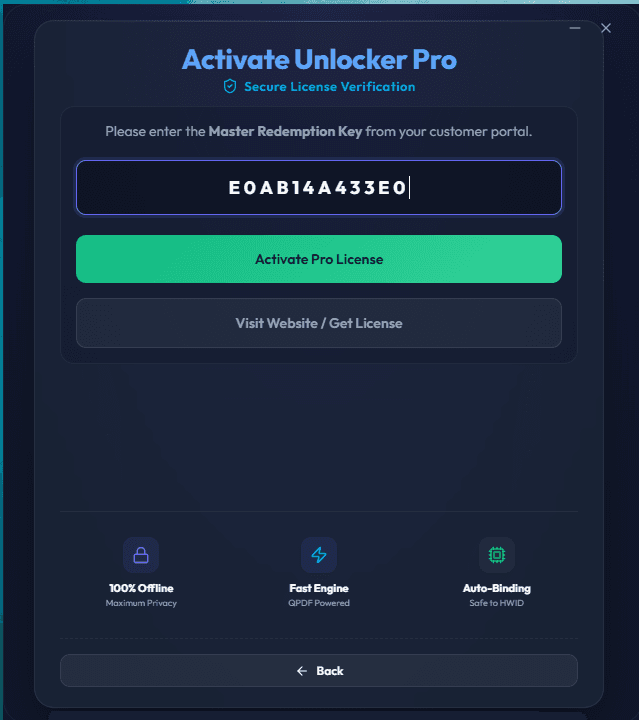
Screenshot 3
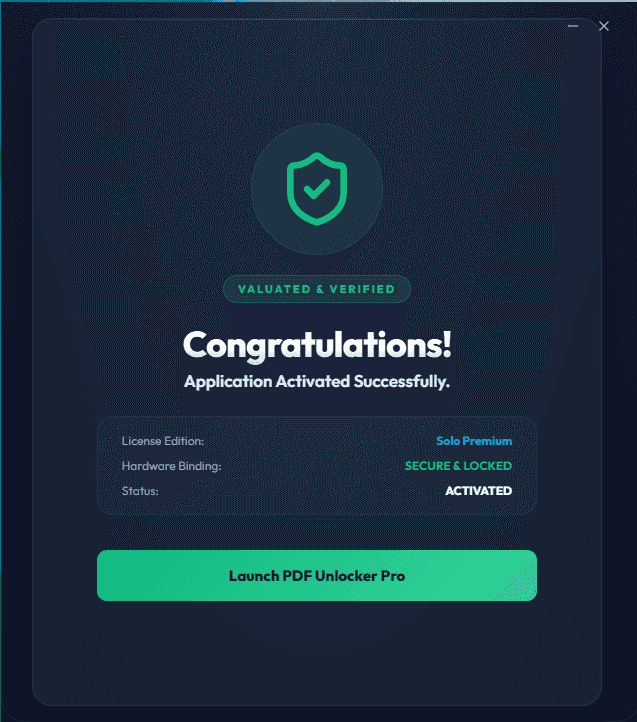
Screenshot 4
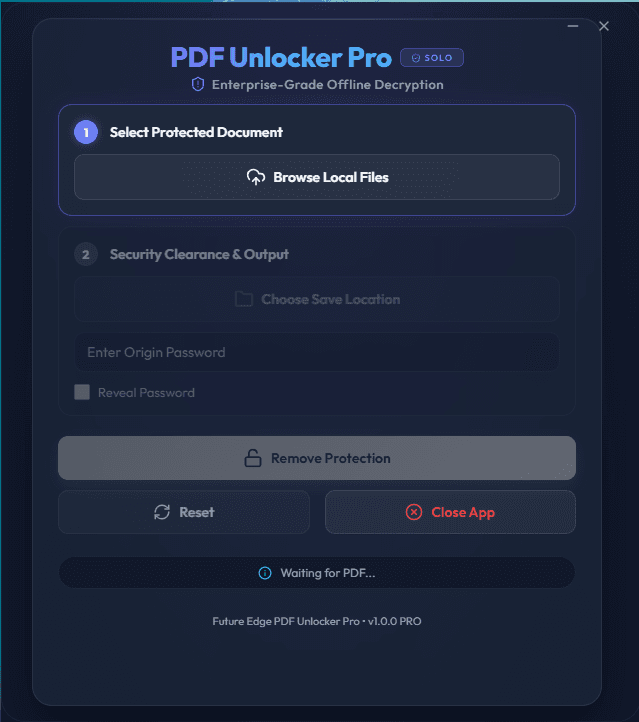
Screenshot 5
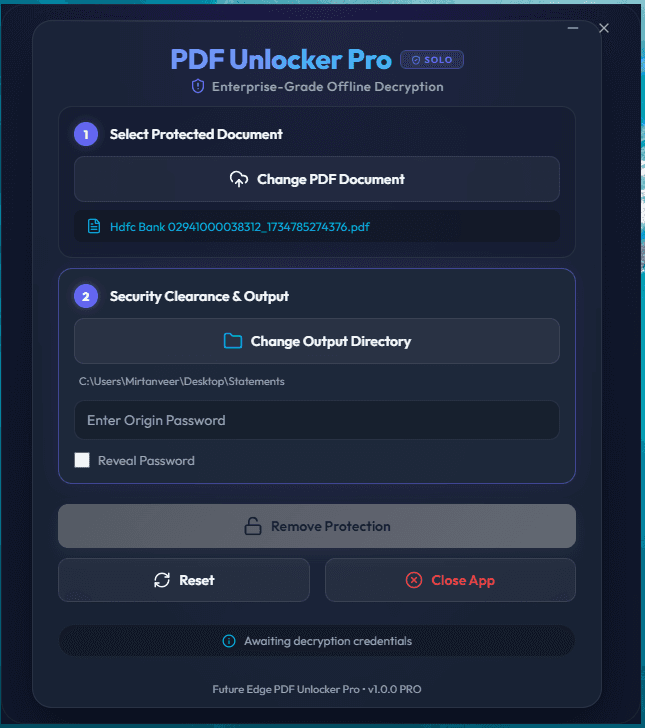
Screenshot 6
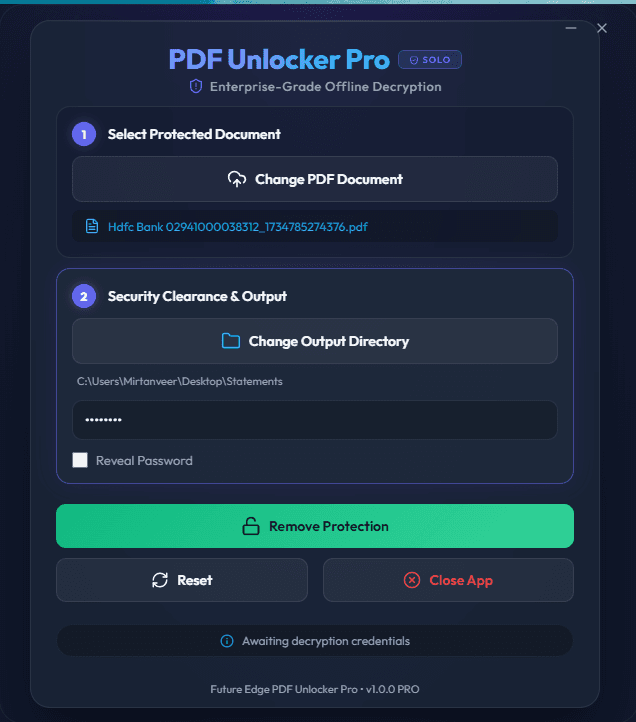
Screenshot 7
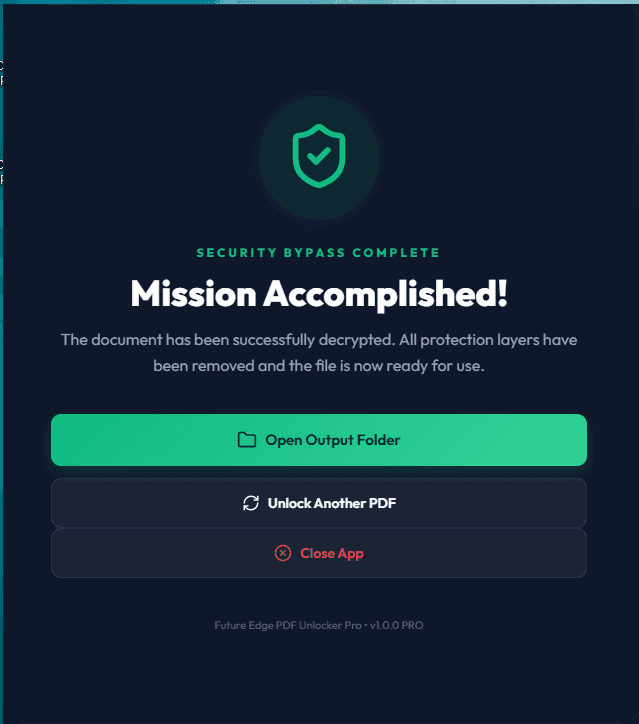
Screenshot 8
Launch notes
1
Create Account
Create a customer account to manage license keys, downloads, and future activations.
2
Download Installer
Download the official desktop installer from the FutureEdgeIT download channel.
3
Activate Locally
Paste your redemption key into the desktop app to bind the license to your device.
Pricing
Choose a license
Pricing is isolated in this product module, so future products can define their own plans without changing the whole site.
7-Day Trial
₹ 0/-for 7 Days
- - Single/Multi User
- - Fully Activated Pro Access
- - Works Fully Offline
- - Unlimited PDF processing
- - Account dashboard access
Single User
₹ 99/Year
- - 1 Year Device Unlock
- - Fully Activated Pro Access
- - Works Fully Offline
- - Unlimited PDF processing
- - Account dashboard access
- - License dashboard access
Unlimited Users
₹ 2499/Year
- - Fully Activated Pro Access
- - Unlimited PDF Processing
- - Admin/Client Pc Works Fully Offline
- - Account Dashboard Access
- - License Dashboard Access
- - For Multiple PCs Unlimited Users
Download App
Download the official PDF Unlocker Pro installer.
Windows Security Notice
Windows may show a SmartScreen warning. Click More Info then Run Anyway.
Security notes
- - PDF files are processed locally on the desktop app.
- - License verification can work offline after activation.
- - Premium downloads should be served through signed URLs when the download backend is ready.
- - Windows SmartScreen can appear for new unsigned installers; code signing should be added before a polished public launch.